the notebook a platformer
The Notebook: A Platformer - Where Your Doodles Come Alive
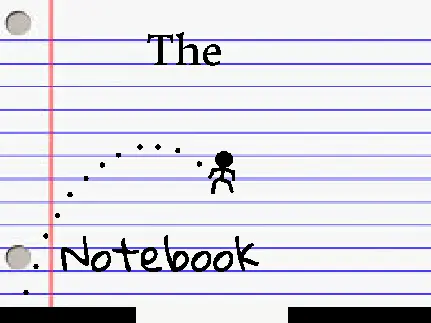
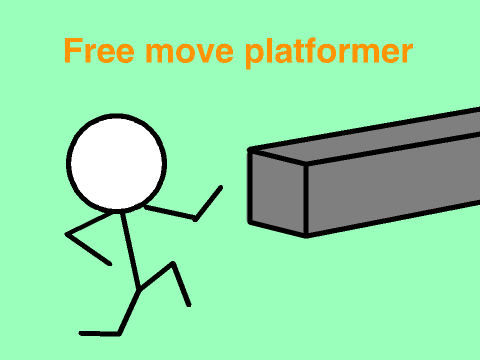
Step into The Notebook: A Platformer, a charming game that starts in a classroom and leaps into imagination. You play a bored student whose notebook doodle of a stick figure suddenly springs to life! Your new mission is to guide this sketched hero through all 15 pages of the notebook, each representing a unique level.
Interactive Drawing & Platforming
Control your character with the arrow keys or WASD for movement and jumping. The game's defining mechanic is the power of the pen. On specific levels, you can click and drag your mouse to draw temporary platforms, bridges, or stairs directly onto the page, creating your own path to the goal. Clear your sketches at any time by pressing the 'C' key.
Important Technical Note: To ensure the drawing tool works correctly, players must double-click the green flag at the start. This resolves a known initialization bug.
Navigation and Support Tools
If your drawn hero gets trapped or you want to restart a tricky section, press 'R' to reset the current level. An experimental 'N' key can skip levels, though the developer cautions this may cause unusual behavior. The objective for each page is to reach the far right edge of the screen to advance.
Passion Project with Heart
Created with original code (using a modified jump script from Scratch_Tutorials), this project celebrates reaching over 1,000 community loves and favorites. The developer, Coaster Caleb, actively requests feedback on bugs and player experience to improve future projects. The Notebook successfully merges a relatable story with engaging, creative gameplay, making you the author and problem-solver of your own platforming adventure.