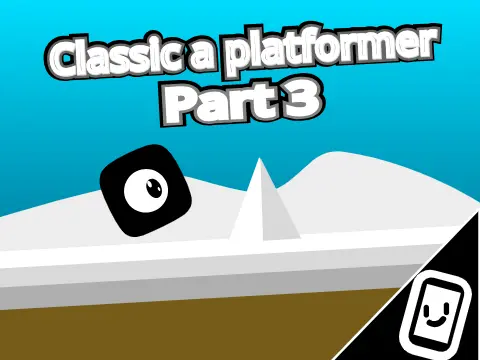
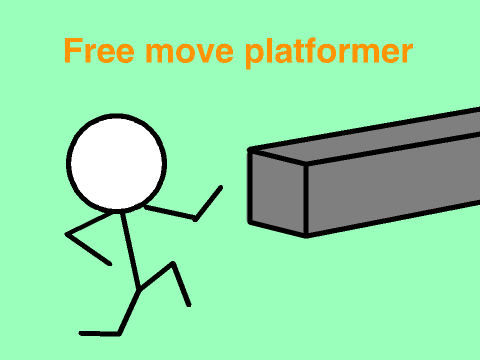
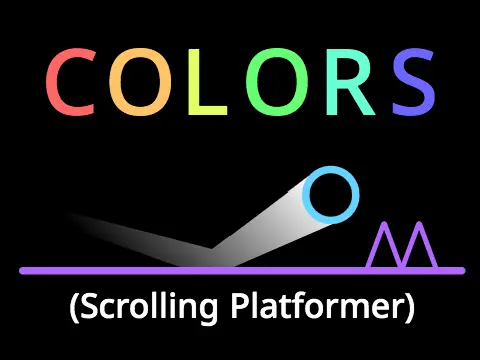
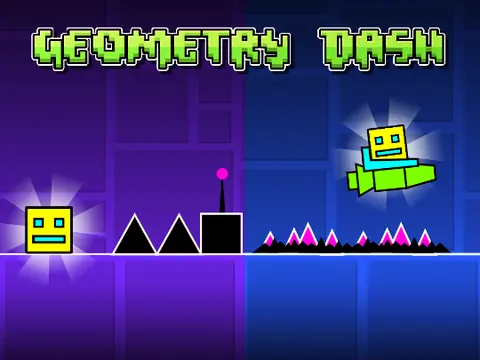
scrolling platformer engine
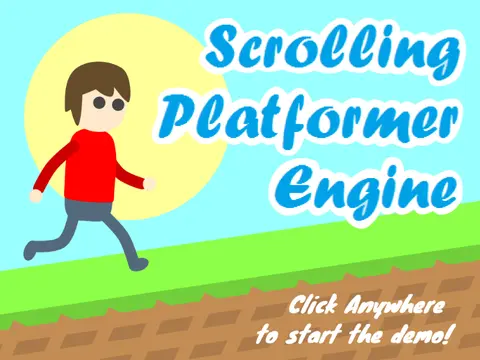
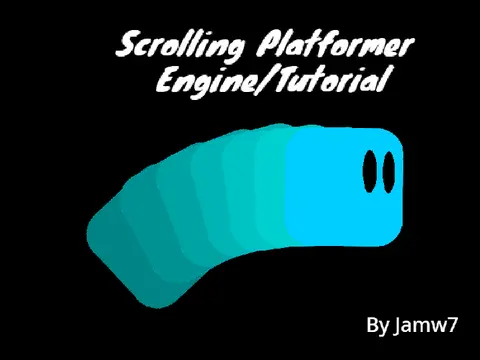
Scrolling Platformer Engine V3 – Complete 2D Foundation with Edit Mode
Scrolling Platformer Engine V3 delivers a fully customizable 2D platformer foundation packed with production-ready mechanics. Wall-jumping, enemy slimes with jump-to-defeat interaction, parallax backgrounds, and a complete dialogue system are all implemented and heavily commented for easy modification. The run cycle animation and pre-drawn vector/MS Paint assets provide immediate visual polish.
Precise Controls & Interactive Environment
Control precision is central to the experience. Move and jump with WASD or arrow keys, press SPACE to interact with signs and NPCs, and hit R to reset if glitches occur. The integrated Edit Mode transforms the game into a level editor: scroll with left/right arrows, click to place any of the eight object types, and press X while hovering an object to delete it.
- Object IDs (click-to-place): [1] sign, [2] cat NPC, [3] female NPC, [4] male NPC, [5] bouncy shroom, [6] spike, [7] lava, [8] enemy slime
Deep Customization & Technical Tuning
Beyond basic placement, the engine exposes deep tuning parameters. Toggle wall-jumping on or off, adjust friction coefficients, modify movement speed, and alter slope-detection scripts—all inside the project. The extensive comment documentation, created entirely by @amylaser using Scratch Vector Editor, makes this an educational resource for aspiring platformer developers.
Version History & Roadmap
Version history shows active refinement: March 2017 introduced slime defeat mechanics and death effects; April patched object positioning and expanded text rendering to 180+ characters; May overhauled the friction system and fixed costume glitches. Known roadmap includes double-jumping and ducking options.
Assets, Music & Credit Requirements
External resources enrich the package. Music originates from Kenney’s donation pack via Scratch; sound effects are modified from Scratch’s built-in library (computer beeps2, water drop, boing). Credit is explicitly required for major asset reuse. Community discussion and bug reporting occur at the Scratch forums thread, and the associated studio compiles more platformer content. Perfect for developers who want a jumpstart on polished, commented code rather than building from scratch.