platformer creator
Platformer Creator v5 - Your Personal Level Design Suite
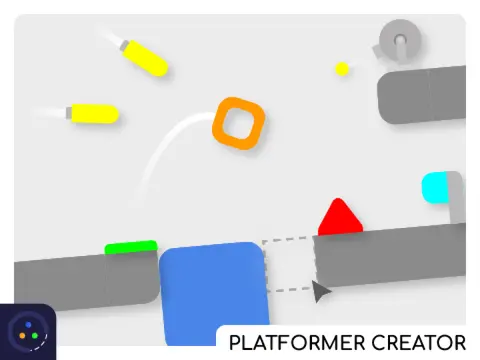
Platformer Creator v5 is a comprehensive level editor that puts game design in your hands. For optimal performance and visual quality, it is recommended to play on TurboWarp at https://turbowarp.org/434160871/fullscreen?hqpen.
Editor Mode: Build Your World
In Editor Mode, use WASD or arrow keys to navigate the canvas. The top-left interface provides essential controls: play/pause to test, save (copy code, press Enter), load (paste code), erase (press 'c' + Enter to clear all), and rotate tiles (or use 'R'). The top three tile slots are reserved for the player start, checkpoint, and end flag. Experiment with the right-side tiles for additional elements, though enemies are currently unavailable. Switch themes using the bottom-left option.
Player Mode & Version Updates
In Player Mode, standard WASD or arrow keys control movement. Version updates have refined the experience: v1.1 ensures jumps only occur when direction is straight; v1.2 limits turret firing to when the player is in range; v1.3 fixes a flashing/disappearing block glitch.
Credits & Community Sharing
Physics are powered by @Robby_Blue's code, with encode/decode scripts by @Rocket-Flier. Graphics are original creations made in Gravit, accompanied by NCS music from Alan Walker. Share your level save codes in the official discussion topic: https://scratch.mit.edu/discuss/topic/451321/. Be aware of potential bugs and lag, and please report any issues encountered.
If you enjoy creative tools, you might also like Sprunki OC Maker for character design or Sprunki Phase 4 Definitive Edition for more platforming action.