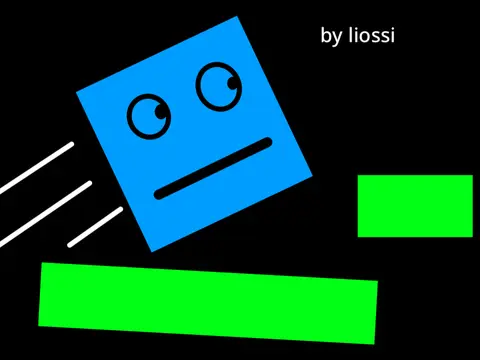
blocky platformer 3
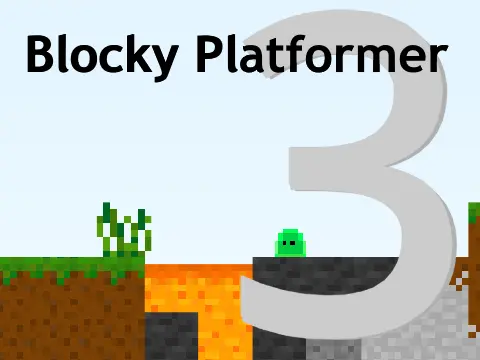
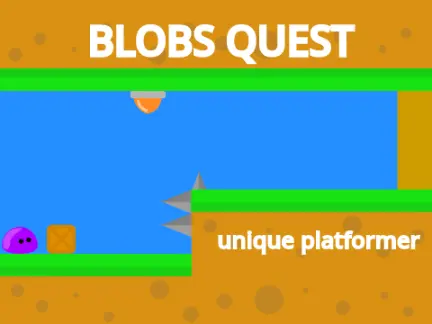
Blocky Platformer 3 - Complete Level Editor Platformer
Core Controls: Standard platformer movement with left/right arrow keys, up arrow for jumping. R key instantly resets current level upon getting stuck or falling. Touch screen users can enable virtual joystick controls via the menu system for mobile-friendly gameplay.
If you enjoy creating your own levels, you might also like Sprunki Phase 6 for more creative gameplay experiences.
Collectibles
Nine hidden coins scattered throughout levels. Purely cosmetic collection mechanic - no impact on progression, just for completionist enjoyment and fun.
Community Features
Players are encouraged to share level save codes in the comments section. Build and share your own challenges with the community.
Music Credits
Soundtrack features "Railroad Town" by OfficialNovacore. Platformer engine foundation credited to @djpro.
Level Editor System - Complete Guide
Brand new integrated level editor allowing custom level creation and saving. Editor operates on 16x12 block grid system.
Block Selection Process
Press B key to activate block selection input. Type single-character block ID codes:
- [A] Air - empty space
- [G] Grass - standard ground
- [D] Dirt - basic terrain
- [S] Stone - primary building material
- [E] Stone 2 - alternate stone variant
- [H] Dark Stone - shadowed aesthetic
- [W] Water - liquid hazard
- [L] Lava - instant death hazard
- [M] Magma - full tile lava
- [#] Tall Background Grass - decorative
- [B] Bedrock - gradient between dirt and stone
- [*] Background Wall - structural backdrop
- [P] Half Platform - partial standing surface
- [T] Metal - industrial material
- [J] Bouncy Pad - jump enhancement
- [C] Bricks - classic building block
- [-] Disappearing Platform - temporary surface
Saving and Loading
Press S to generate save code. Select all code and press Ctrl+C to copy to clipboard. To load custom levels, press L and paste code with Ctrl+V. From main menu, select "Load Custom Level" button and paste saved code to play community creations.
Editor Visual Guide
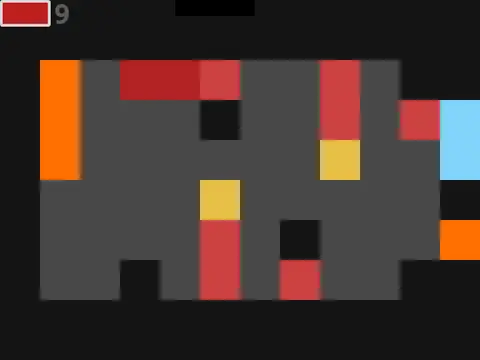
Faint pixelated grid appears during editing showing block boundaries. Grid visible only during creation - invisible during gameplay for clean presentation.