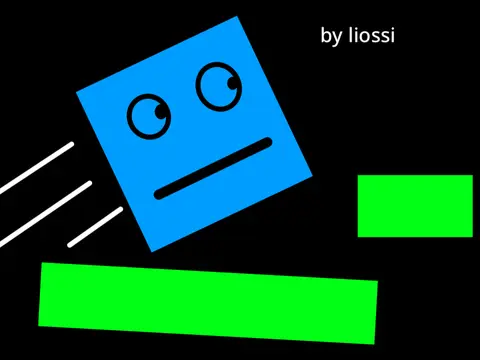
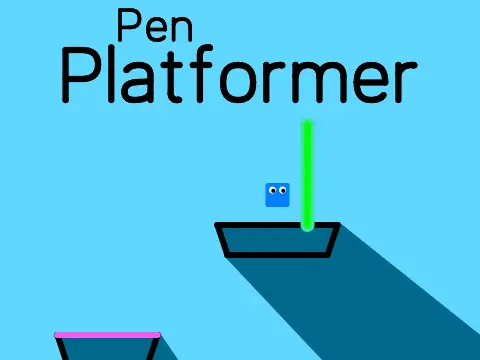
100 pen platformer v.4.0
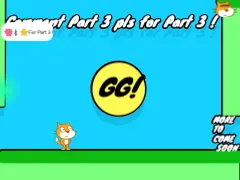
100 Pen Platformer v.4.0 - The Ultimate Create-and-Play Platformer Experience
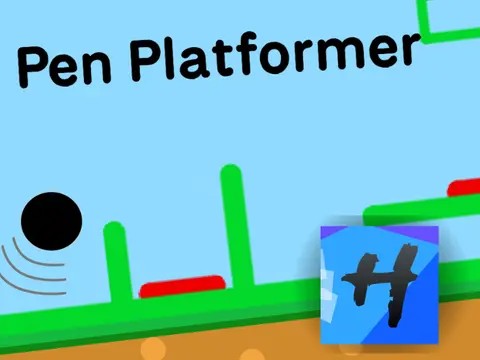
Dive into a fully realized platformer built 100% with pen technology. With 36 hand-crafted levels and a powerful in-game level editor, this game offers endless hours of play and creation. For another creative platformer, check out Sprunki Phase 6 Definitive Edition.
Core Game & Level Design
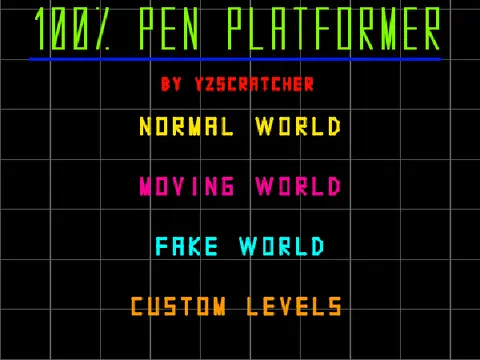
Explore three distinct worlds, each containing 12 meticulously designed levels, for a total of 36 challenges. All levels are confirmed to be possible. The game runs on a powerful 100% Pen engine, utilizing 58 scripts (57 custom blocks, 1 normal) for smooth performance. The soundtrack features "Energy" by Elektronomia.
Advanced Movement & Controls
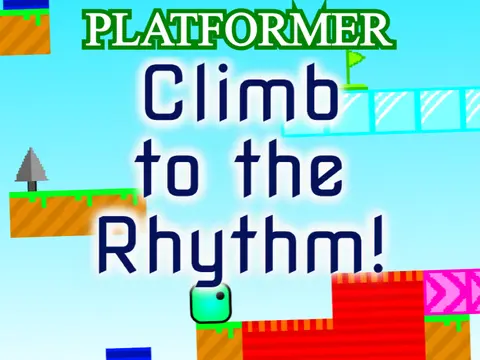
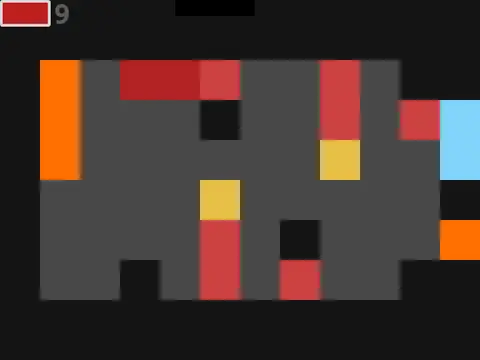
Move your character with Arrow keys or WASD. Master the wall-jump by pressing jump and move simultaneously. Color-coded blocks indicate their function: Blue is normal ground, Yellow makes you jump higher, Red is deadly lava, and Green is the finish line. Text blocks are purely decorative and have no collision.
In-Game Level Editor
Create your own levels and play those made by others. Access the editor via the bottom button.
- Navigation: Move the mouse to the border to scroll through your level.
- Publishing: You can publish up to 3 of your own levels. Levels must be verified before publishing.
- Line Types (Top 4 Buttons):
- Standard solid line.
- Cross: A fake line (platform that looks solid but isn't).
- Checkmark: An invisible line.
- Arrow: A moving line (draw the line, then its path).
- Color Palette (Bottom 4 Buttons): Change the color of your selected line.
- Tools: Trash can to delete lines. "P" to Publish your level. Checkmark to playtest your creation. "T" to create text (size 3 is normal).
Editor Limitations & Tips
Click buttons multiple times to ensure they register. The editor uses a US keyboard layout for inputs. Due to Scratch limitations, custom levels may load slowly, and new Scratchers may not be able to load them at all. Press "T" in-game to disable text for smoother performance. Use "M" to return to the previous menu and "R" to restart a level.
Version & Update History
Version 4.0 follows previous iterations. The v3.0 update unfortunately broke custom level functionality due to changes in Scratch, making them laggy after loading, and the creator has not found a fix.